Update README.md
Co-authored-by: Jens Collaert <63231928+Jens-Co@users.noreply.github.com>
This commit is contained in:


1 file changed
+29
-85
@@ -1,101 +1,45 @@
|
|||||||
# Docsy Jekyll Theme
|
# GeyserMC Wiki
|
||||||
|
|
||||||
[](https://circleci.com/gh/vsoch/docsy-jekyll/tree/master)
|
This is the repository containing the wikis for GeyserMC other Geyser projects.
|
||||||
<a href="https://jekyll-themes.com/docsy-jekyll/">
|
|
||||||
<img src="https://img.shields.io/badge/featured%20on-JT-red.svg" height="20" alt="Jekyll Themes Shield" >
|
|
||||||
</a>
|
|
||||||
|
|
||||||
|
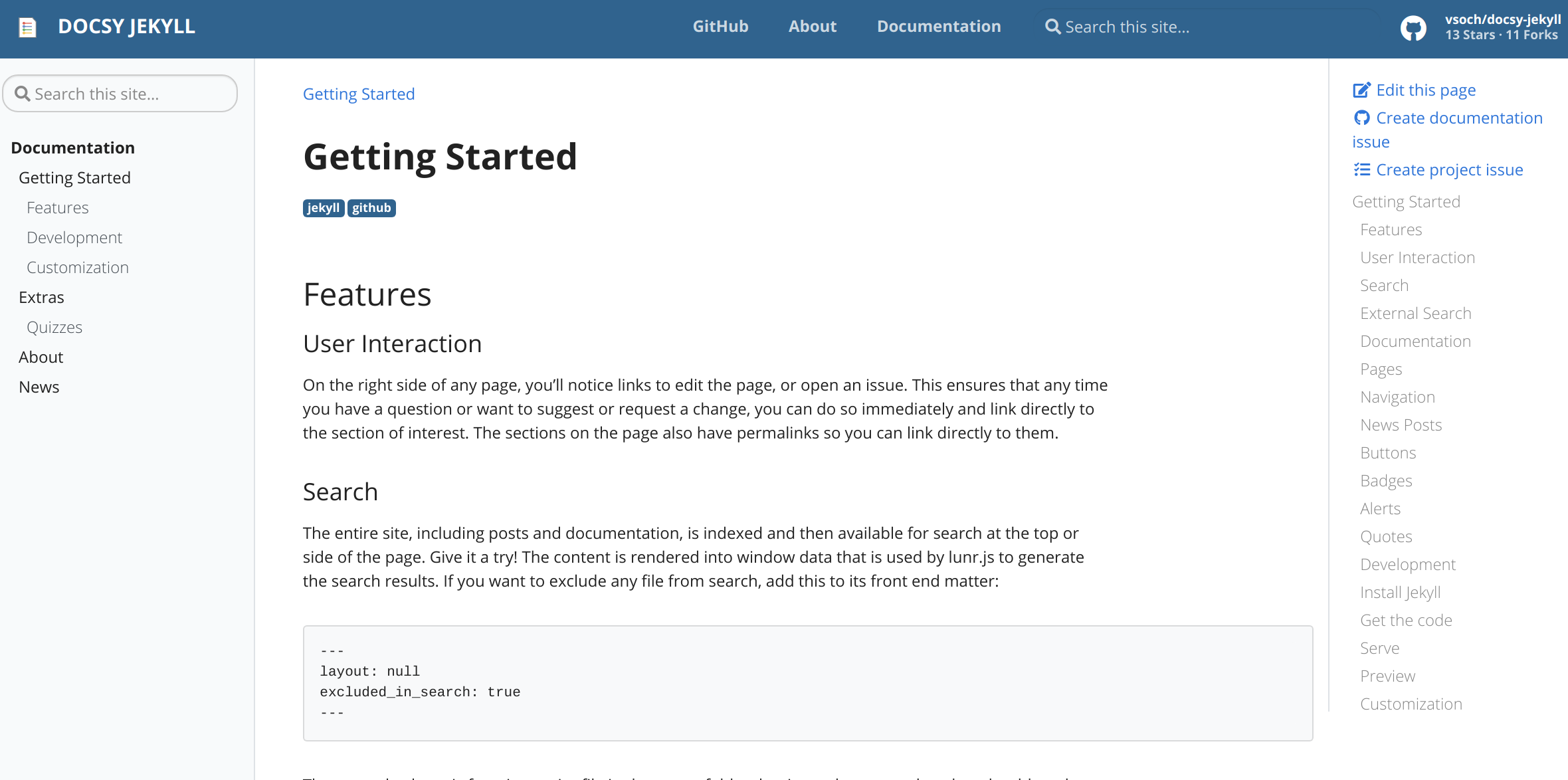
The wiki can be accessed using [this link](https://wiki.geysermc.org).
|
||||||
|
|
||||||
This is a [starter template](https://vsoch.github.com/docsy-jekyll/) for a Docsy jekyll theme, based
|
## Contributing
|
||||||
on the Beautiful [Docsy](https://github.com/google/docsy) that renders with Hugo. This version is intended for
|
|
||||||
native deployment on GitHub pages. The original [Apache License](https://github.com/vsoch/docsy-jekyll/blob/master/LICENSE) is included.
|
|
||||||
|
|
||||||
## Changes
|
If you would like to contribute to the wiki, please [open a pull request](https://pull-request-url-goes-here.org/).
|
||||||
|
|
||||||
The site is intended for purely documentation, so while the front page banner
|
### Creating a new page
|
||||||
is useful for business or similar, this author (@vsoch) preferred to have
|
|
||||||
the main site page go directly to the Documentation view. Posts
|
|
||||||
are still provided via a feed.
|
|
||||||
|
|
||||||
## Usage
|
Most documentation is in the docs folder where you can add new page's or edit the current ones.
|
||||||
|
If a new page is being added make sure you add its page properties at the beginning of the file.
|
||||||
|
Make sure that the file extension is .md in this case pagetitle.md
|
||||||
|
|
||||||
### 1. Get the code
|
### Example page layout
|
||||||
|
|
||||||
You can clone the repository right to where you want to host the docs:
|
```md
|
||||||
|
---
|
||||||
|
layout: page
|
||||||
|
title: Page title
|
||||||
|
permalink: /page/pagetitle/
|
||||||
|
---
|
||||||
|
|
||||||
```bash
|
# Page title
|
||||||
git clone https://github.com/vsoch/docsy-jekyll.git docs
|
This is an example page
|
||||||
cd docs
|
|
||||||
```
|
```
|
||||||
|
|
||||||
### 2. Customize
|
### Adding page to sidebar
|
||||||
|
|
||||||
To edit configuration values, customize the [_config.yml](https://github.com/vsoch/docsy-jekyll/blob/master/_config.yml).
|
Once you have added the file you can add an sidebar link, All sidebar links + sub links are in the _data/toc.yml file
|
||||||
To add pages, write them into the [pages](https://github.com/vsoch/docsy-jekyll/blob/master/pages) folder.
|
|
||||||
You define urls based on the `permalink` attribute in your pages,
|
|
||||||
and then add them to the navigation by adding to the content of [_data/toc.myl](https://github.com/vsoch/docsy-jekyll/blob/master/_data/toc.yml).
|
|
||||||
The top navigation is controlled by [_data/navigation.yml](https://github.com/vsoch/docsy-jekyll/blob/master/_data/navigation.yml)
|
|
||||||
|
|
||||||
### 3. Options
|
### Example sidebar structure
|
||||||
|
|
||||||
Most of the configuration values in the [_config.yml](https://github.com/vsoch/docsy-jekyll/blob/master/_config.yml) are self explanatory,
|
|
||||||
and for more details, see the [getting started page](https://vsoch.github.io/docsy-jekyll/docs/getting-started)
|
|
||||||
rendered on the site.
|
|
||||||
|
|
||||||
### 4. Serve
|
|
||||||
|
|
||||||
Depending on how you installed jekyll:
|
|
||||||
|
|
||||||
```bash
|
|
||||||
jekyll serve
|
|
||||||
# or
|
|
||||||
bundle exec jekyll serve
|
|
||||||
```
|
```
|
||||||
|
- title: Page Title Documentation
|
||||||
**NOTE:** If the above serve command throws an error saying `require': cannot load such file -- webrick (LoadError)` try to run `bundle add webrick` to automatically add the webrick gem to your Gemfile, or manually add `gem "webrick"` line to the Gemfile and then run the serve command again.
|
url: "page/"
|
||||||
|
links:
|
||||||
|
- title: "Pagetitle sub link"
|
||||||
### 5. Run as a container in dev or prod
|
url: "page/pagetitle/"
|
||||||
|
children:
|
||||||
#### Software Dependencies
|
- title: PageChild sub link
|
||||||
|
url: "page/pagetitle/#headerLink"
|
||||||
If you want to run docsy jekyll via a container for development (dev) or production (prod) you can use containers. This approach requires installing [docker-ce](https://docs.docker.com/engine/install/ubuntu/) and [docker-compose](https://docs.docker.com/compose/install/).
|
|
||||||
|
|
||||||
#### Customization
|
|
||||||
|
|
||||||
Note that the [docker-compose.yml](docker-compose.yml) file is using the [jekyll/jekyll:3.8](https://hub.docker.com/r/jekyll/jekyll/tags) image. If you want to make your build more reproducible, you can specify a particular version for jekyll (tag). Note that at the development time of writing this documentation, the latest was tag 4.0.0,
|
|
||||||
and it [had a bug](https://github.com/fastai/fastpages/issues/267#issuecomment-620612896) that prevented the server from deploying.
|
|
||||||
|
|
||||||
If you are deploying a container to production, you should remove the line to
|
|
||||||
mount the bundles directory to the host in the docker-compose.yml. Change:
|
|
||||||
|
|
||||||
```yaml
|
|
||||||
volumes:
|
|
||||||
- "./:/srv/jekyll"
|
|
||||||
- "./vendor/bundle:/usr/local/bundle"
|
|
||||||
# remove "./vendor/bundle:/usr/local/bundle" volume when deploying in production
|
|
||||||
```
|
```
|
||||||
|
|
||||||
to:
|
|
||||||
|
|
||||||
```yaml
|
|
||||||
volumes:
|
|
||||||
- "./:/srv/jekyll"
|
|
||||||
```
|
|
||||||
|
|
||||||
This additional volume is optimal for development so you can cache the bundle dependencies,
|
|
||||||
but should be removed for production.
|
|
||||||
|
|
||||||
#### Start Container
|
|
||||||
|
|
||||||
Once your docker-compose to download the base container and bring up the server:
|
|
||||||
|
|
||||||
```bash
|
|
||||||
docker-compose up -d
|
|
||||||
```
|
|
||||||
|
|
||||||
You can then open your browser to [http://localhost:4000](http://localhost:4000)
|
|
||||||
to see the server running.
|
|
||||||
|
|
||||||
> Node : changes `baseurl: ""` in _config.yml when you are running in local and prod according to the requirement.
|
|
||||||
Reference in new issue
Block a user